


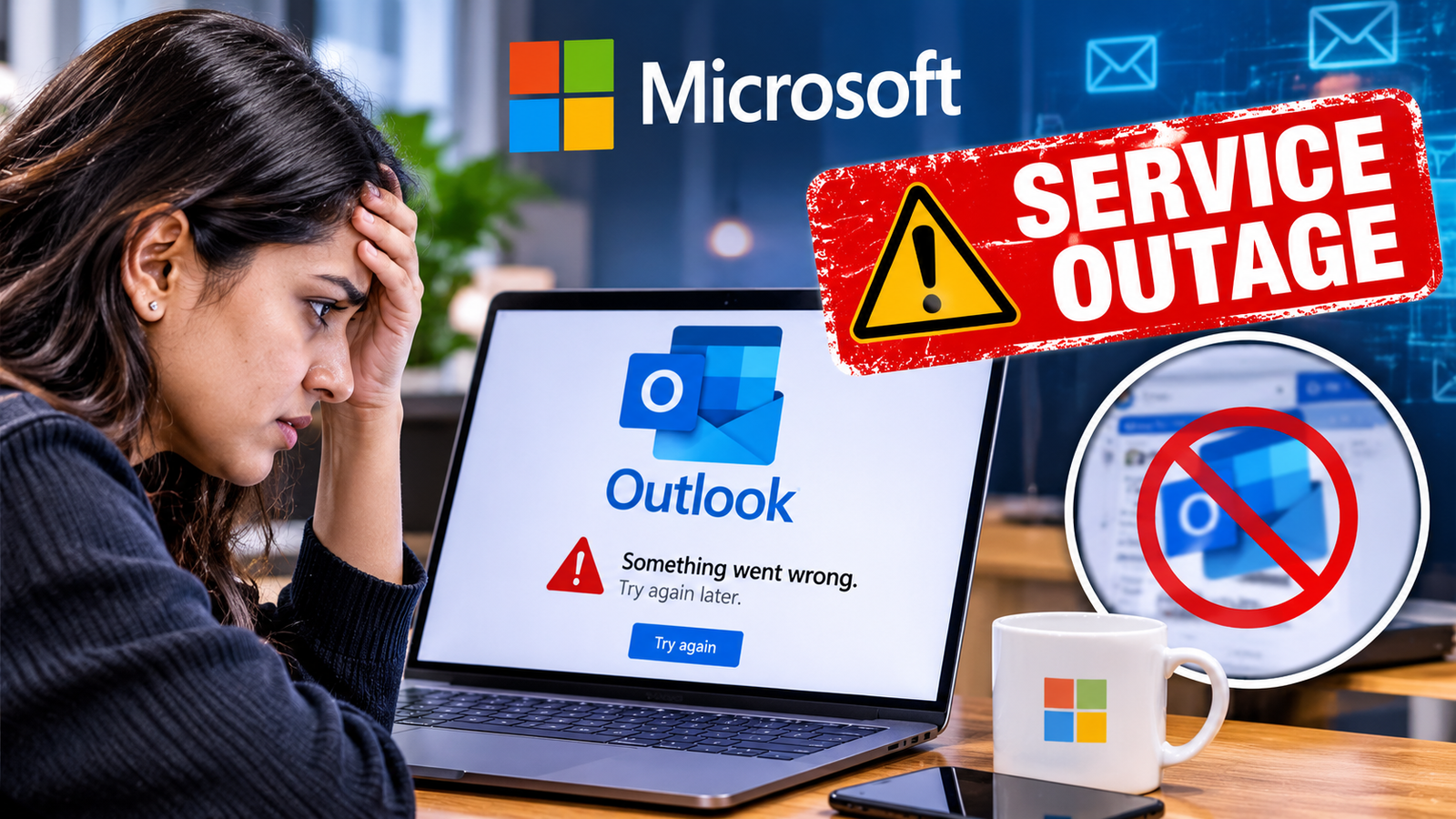
Microsoft Outlook users cannot get onto the Outlook service platform or have otherwise run into issues, including the inability to send and received messages. Microsoft Outlook email outage comes as outages point to increased reliance on cloud-based email systems. And the complexities that exist in providing email after outages.
Microsoft Outlook is one of the most popular business, education and life tools. An outage of any kind can halt meetings, company and financial activities, end customer interaction, and the availability of documents. If your organisation already uses Microsoft 365, it would be impossible to carry on with your normal business activities until the outage is over.
There is not just one reason that outages occur including server failure, software updates, network connectivity problems, configuration issues and authentication issues. Because your cloud services are all hosted through cloud infrastructure at various locations and many apps are connected with each other, it’s possible that one of those sites is not functioning correctly. The cause of the purported Outlook outage will be identified during the Microsoft technical investigation and service update.
The services could be re-enabled, but it could take some time to restore everything back up because the engineers will need to work through the errors to determine their source, consider how much damage has been caused, and take the appropriate remedial action. Quick restarting of the services may not do the trick, especially when there are network issues or dependencies on servers.
The outage has triggered a discussion over the need for backup and digital communication. Companies can avoid shutdowns by implementing and readying backup communication channels, backup copies of data and having a plan in place for a tech failure.
People with problems will need to monitor the service health dashboard that Microsoft releases for updates, and try not to flip backwards and forwards between accounts if you never see any issues with your account.
This also acts as a reminder that it does not matter how big or popular the technology stack is, it will still break at some point and system trust is achieved through speed and recovery.